Decision Pipeline
The process follows a decision pipeline that moves work from setup to actionable outcomes. Onboarding establishes context, scope, and access so the right people and information are in place. Ingestion collects and validates inputs from relevant sources to ensure completeness and accuracy. Processing analyzes the information using defined rules, standards, and evaluation criteria to identify patterns, risks, or issues. Consumption then presents the results in a clear, structured format so stakeholders can understand the findings and take informed action.
Personae Design
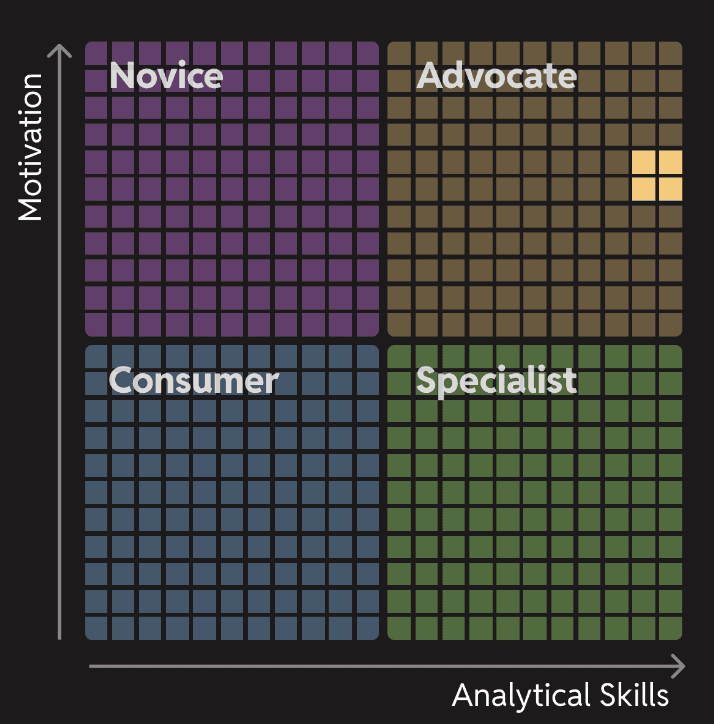
Maria Smith

Age
30
Education
Masters in Computer Science
Status
Married
Occupation
Data Analyst
Location
Mooresville, NC
TEch literate
High
I want an efficient use of my time when using this software.
Bio
Maria lives in Charlotte, NC. She is a data analyst. She loves working with data and likes to mentor junior employees.
Core needs
•
Needs to master a process to ingest, classify, and resolve data
•
Needs to leverage her knowledge of AI to use AI/ML-driven workflows
•
Needs to be productive and efficient
Frustrations
•
The older products she is using have a steep learning curve
•
The older products she uses have bad UX experiences
•
With the older software she uses, she does not have a seamless user experience among all products
Personality
Leader
Thinker
Analyzer
Tech-savvy
Mark Kaiser

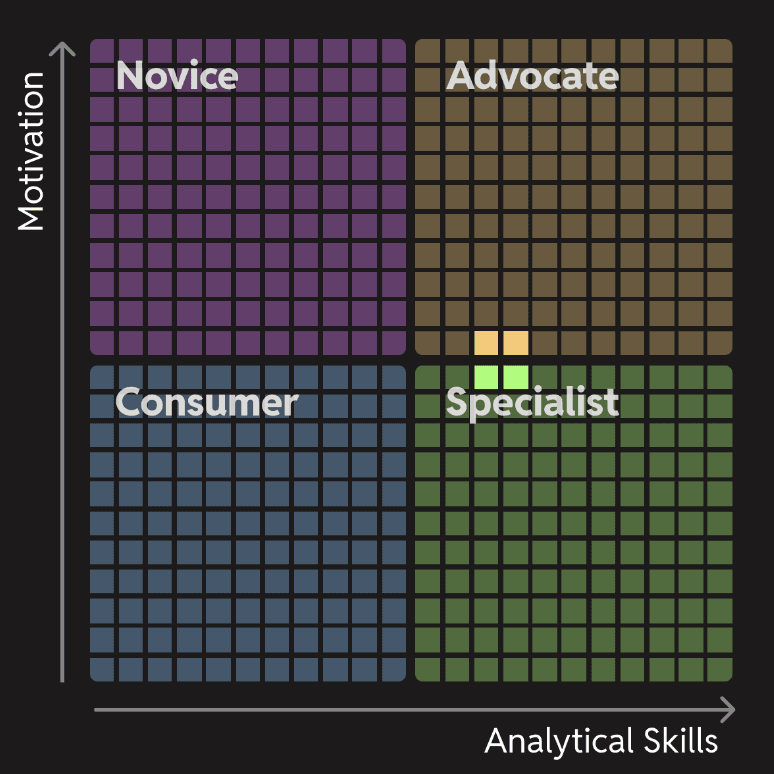
Age
35
Education
Masters in Business Administration
Status
Single
Occupation
Business Analyst
Location
Mooresville, NC
TEch literate
Medium
I am used to wasting a lot of time with products that have confusing user experiences.
Bio
Mark lives in Charlotte, NC. He is a business analyst. He likes to work remotely and he travels frequently to consult with clients.
Core needs
•
Needs to master a process to ingest, classify, and resolve data
•
Needs to leverage his knowledge of AI to use AI/ML-driven workflows
•
Needs to produce trusted golden records
Frustrations
•
The older products he is using have a steep learning curve
•
The older products he uses have bad UX experiences
•
With the older software he uses, he does not have a seamless user experience among products
Personality
Introvert
Thinker
Analyzer
Tech-savvy
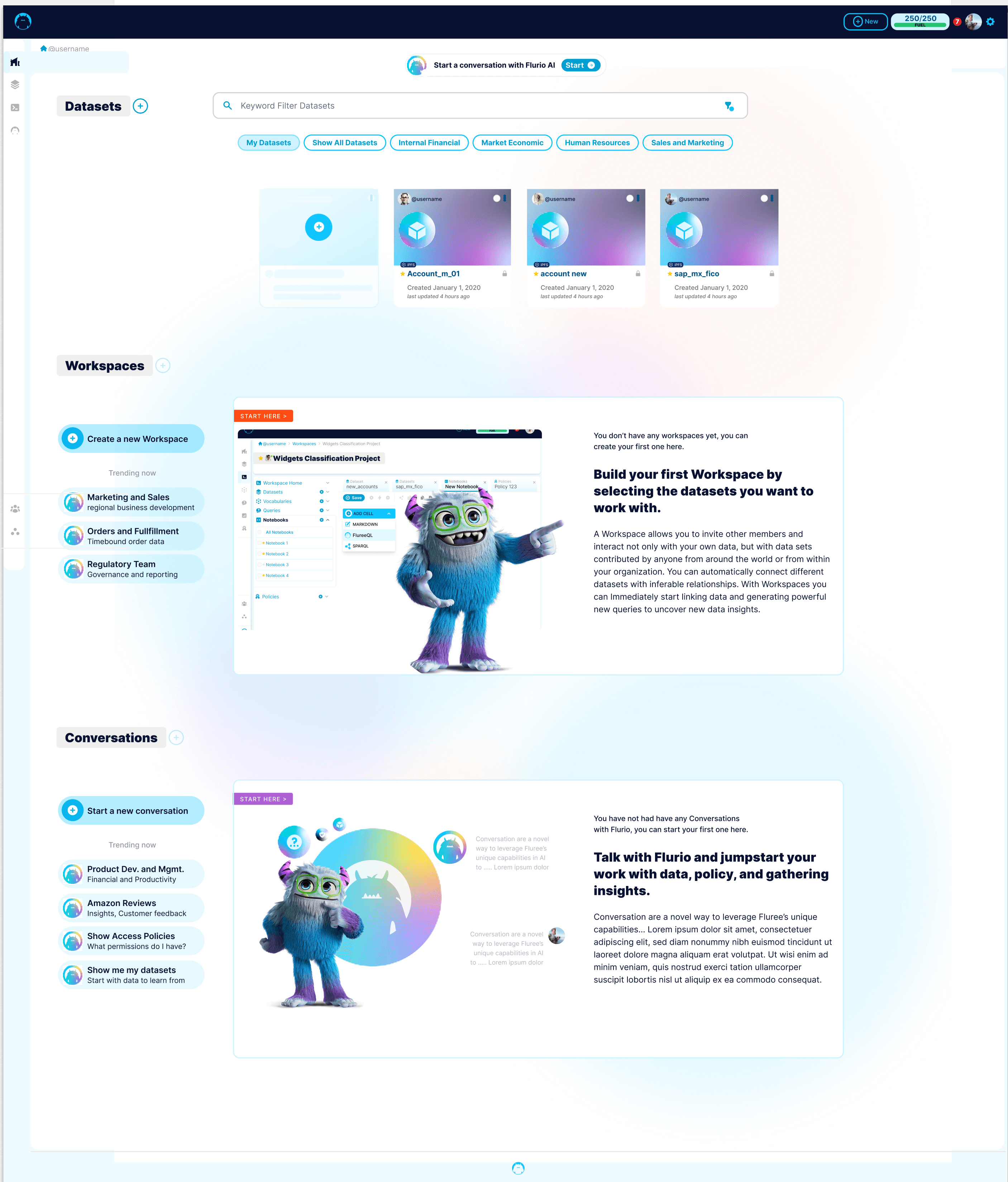
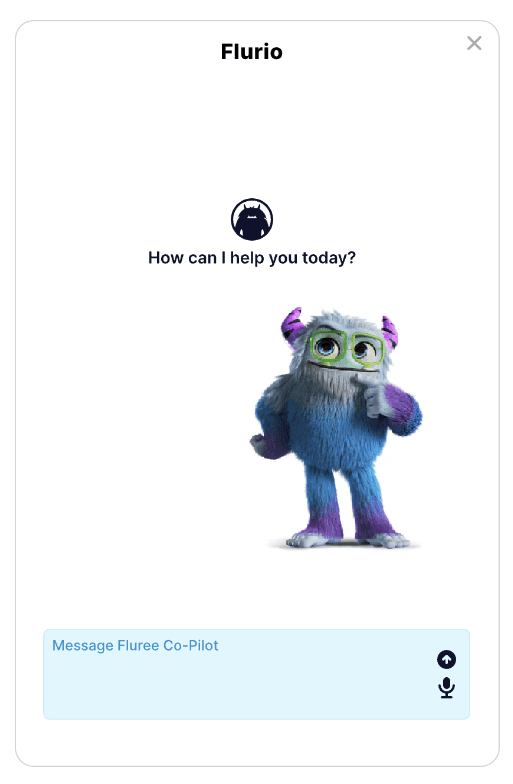
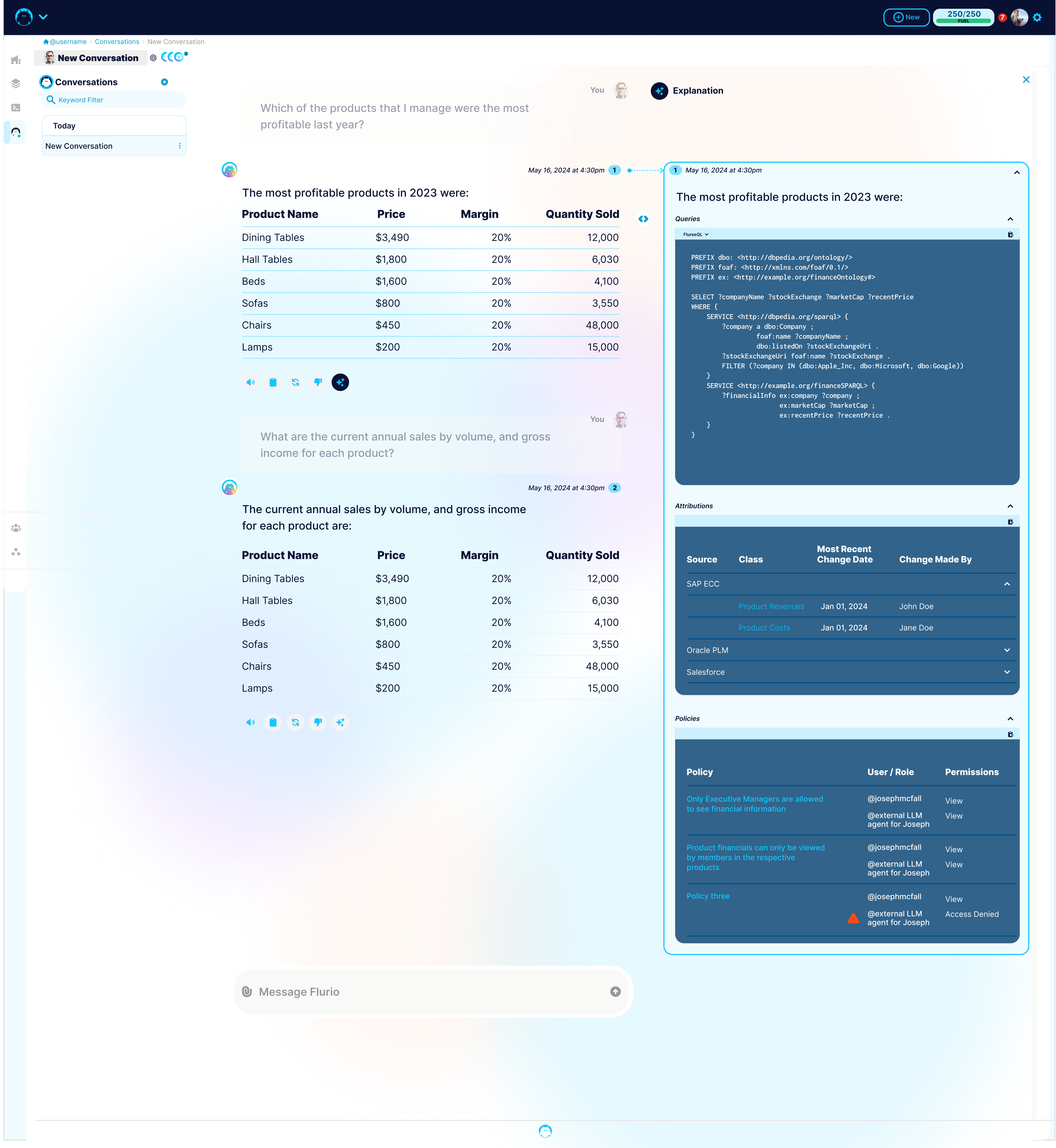
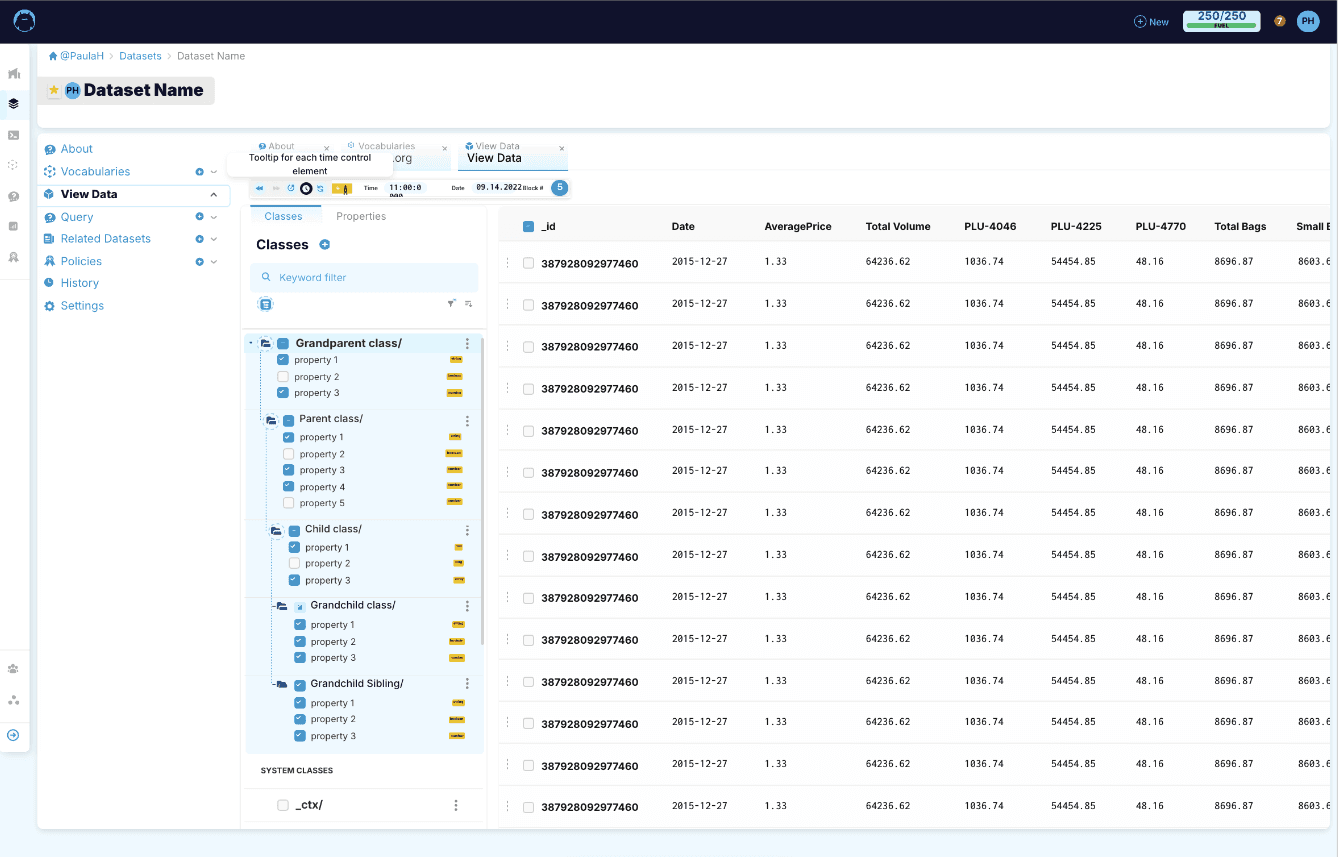
Dashboard / AI / Chatbot Designs
Design & Development Tools Used in this Project









Timy Gonzalez

Copyright © 2025 Timy Gonzalez
Address
Mooresville, NC, USA
My Email
timygonzalez@gmail.com
Call Me Now
704-402-4401
Decision Pipeline - Enterprise / Banking / Regulated Applications
Onboarding
Ingestion
Processing
Consumption
What it includes
Account/customer setup (individual, business, trust)
Identity verification (KYC), document capture, e-sign
Permissions/roles setup (who can do what)
Product selection (checking, treasury, cards, loans)
Funding (ACH, wire, check deposit, transfer)
Disclosures + consent tracking (audit-proof)
Design elements
Clear stepper + save/resume (onboarding often spans days)
“What’s needed next” checklist with due dates
Inline validation + error prevention
Document status (received / pending / rejected) with reasons
Accessibility + plain-language explanation (trust)
Risk/compliance hooks
KYC/KYB, sanctions/OFAC screening
Required fields by product + jurisdiction
Audit log of approvals, changes, and consents
What it includes
Data sources: core banking, CRM, payment rails, vendors
Manual entry, file upload (CSV), API, batch jobs
Document intake (statements, IDs, proof of address)
Case intake (fraud alerts, disputes, exceptions)
Data mapping + normalization (fields, formats)
Design elements
Import wizard: source → mapping → validation → confirm
Progressive disclosure (basic import first, advanced options later)
Strong feedback: counts, duplicates, conflicts, missing fields
Templates + reusable mappings
“Human-in-the-loop” review queues
Operational needs
Backpressure handling (queues), retry rules
Clear ownership: who fixes failures, where to route issues
Notifications (in-app + email) on ingestion failures
What it includes
Rules engines (limits, thresholds, eligibility)
Case management workflows (fraud, disputes, underwriting)
Multi-level approvals (maker/checker, 4-eyes principle)
Data enrichment (risk scores, credit data, AML flags)
Exception handling (returns, reversals, holds)
Design elements
Work queues (by priority, SLA, risk level, owner)
Decision support UI:
key signals upfront
drill-down details
explain “why flagged”
Audit trail visible to users (who did what, when, why)
Safe actions: preview, confirm, undo where possible
Clear status machine (e.g., Pending → In Review → Approved → Completed / Rejected)
Risk controls
Dual control approvals
Segregation of duties
Time-stamped evidence + reason codes
Policy-driven UI constraints (disable actions if not permitted)
What it includes
Account/customer setup (individual, business, trust)
Identity verification (KYC), document capture, e-sign
Permissions/roles setup (who can do what)
Product selection (checking, treasury, cards, loans)
Funding (ACH, wire, check deposit, transfer)
Disclosures + consent tracking (audit-proof)
Design elements
Clear stepper + save/resume (onboarding often spans days)
“What’s needed next” checklist with due dates
Inline validation + error prevention
Document status (received / pending / rejected) with reasons
Accessibility + plain-language explanation (trust)
Risk/compliance hooks
KYC/KYB, sanctions/OFAC screening
Required fields by product + jurisdiction
Audit log of approvals, changes, and consents




Get a user/customer/entity ready to transact safely and compliantly.
Bring information into the system reliably.
Apply rules, calculations, approvals, and risk controls to produce outcomes.
Deliver results to people and systems in a usable, trustworthy way.
AI - Enablement Options
AI - Enablement Options
AI - Enablement Options
AI - Enablement Options